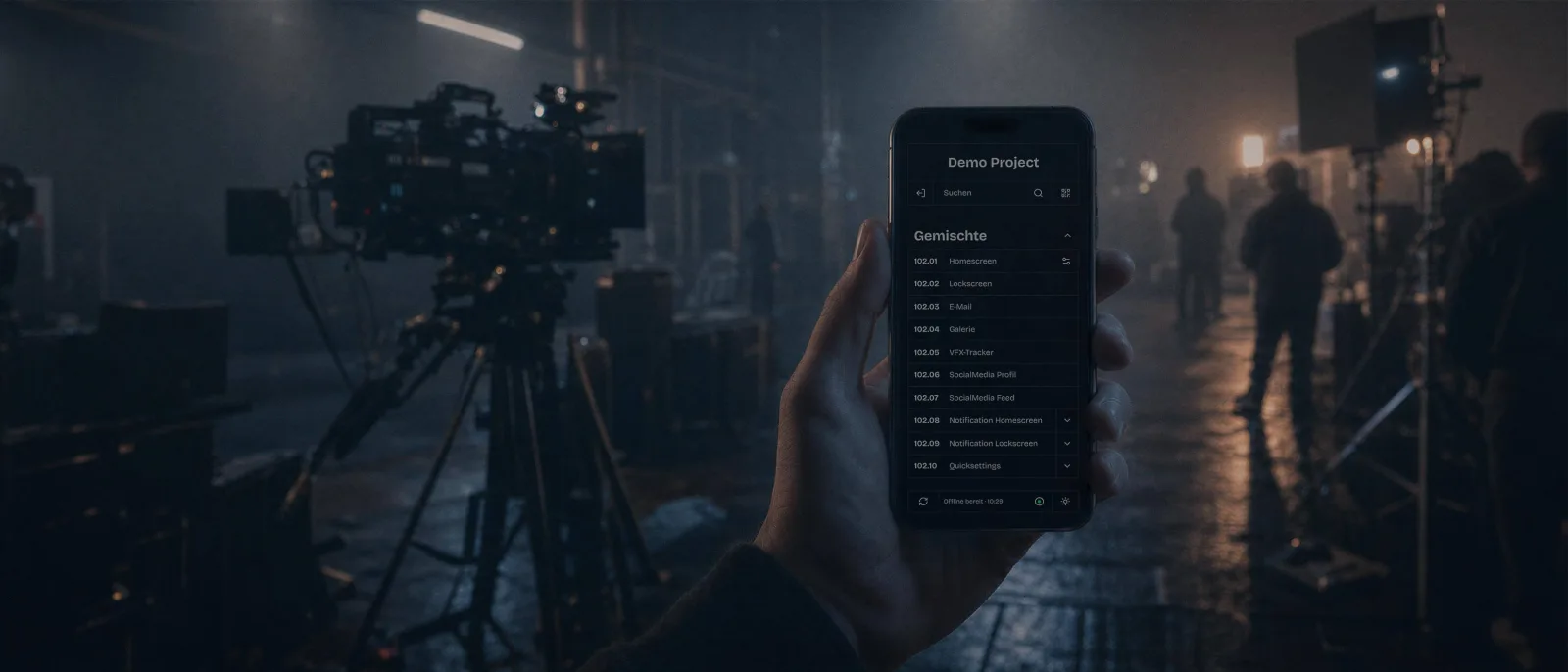
The app for digital props Simple even offline.
Simulates interactive phones, tablets and complete desktop interfaces. Modern, fully customizable, reliable and easy to use.
-
Up-to-date design
An interface that doesn't look contemporary stands out on screen immediately. System bars, icons, typography and behavior are kept constantly up to date.
-
Offline and remotely controllable
No reception at the location? Everything runs from local storage. Optionally, another device controls it without anyone reaching into the frame.
-
Changes in seconds
New name, different time, another photo: content can be adjusted spontaneously at any time, directly on the device.
Born from experience
I have been designing digital props for film and television for some time — including for NETFLIX, HBO, ARD, ZDF, Paramount+ and Constantin Film. FilmApp grew out of this experience and the challenges of real set situations.
View projectsCan't I just use my own phone?
- After every take, the same chat has to be back at the same state.
- A real device receives messages, calls and notifications that don't belong to the scene.
- Underground garage, forest, studio: as soon as the location has no network, the prop is dead.
- Foreign app interfaces and logos in the frame are almost always a no-go.
- The actors should act, not struggle with the apps.
Our workflow
-
1
Pre-production: the scenes are created
Chats, calls, notifications, homescreens, entire computer interfaces — according to the script, with your names, texts, images and creative vision.
-
2
Until the shooting day: register the device
Install the apps on the devices and log in once with internet. After that, the complete content of the project is stored on the device.
-
3
In the take: start the scene
The scene runs full screen, the device looks like an ordinary phone. It can be operated safely and easily either directly on the device or via a second device using the remote control.
Nothing can be accidentally destroyed. The scenes can be cleanly restarted from the beginning at any time.
A second phone in your hand
The prop phone lies in the frame or in the actor's hand. With the remote control on your phone, you can take over the operation: start the scene, trigger a call, reset for the next take. From a few meters away.
Nothing needs to be set up or paired.
All phones that are actively logged into the same project and connected to the same local network find each other on their own. No extra permission or synchronization needed.
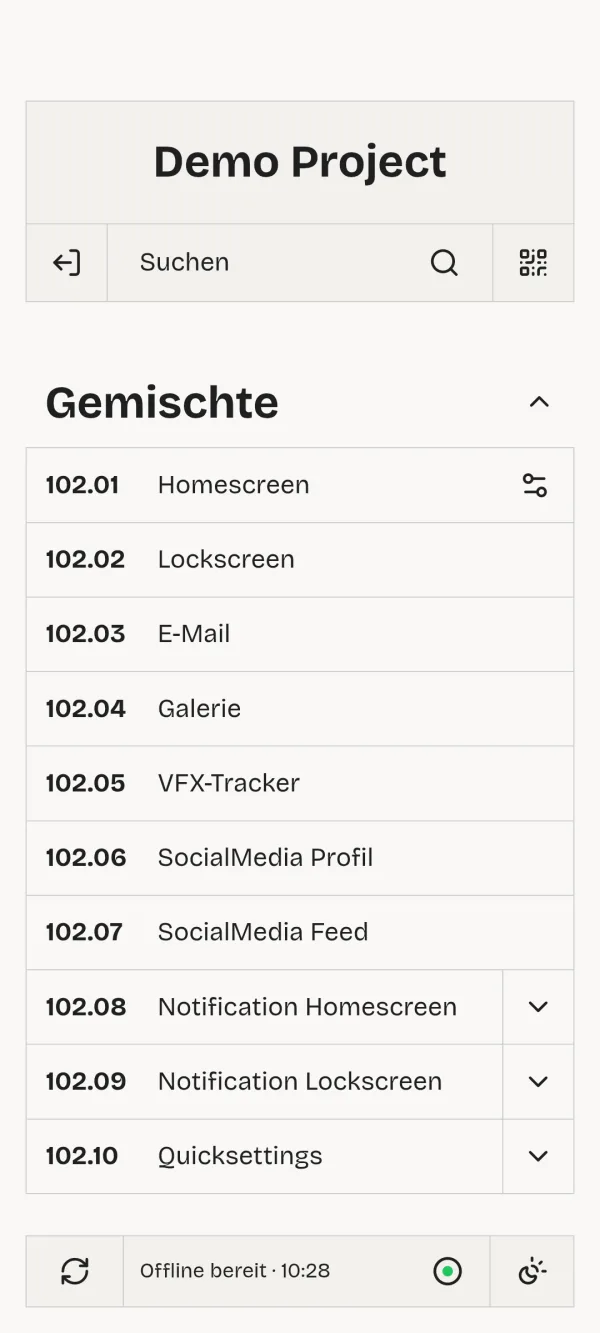
Built for shooting locations without reception.
The app downloads the complete project when you log in. Open it once before the shoot with a connection, wait briefly until the sync is done — after that everything runs from local storage. Changes made on set are also remembered offline and transferred to the project for everyone on the next online contact.
Sounds interesting for your next project? Just send me a short email.
Request a projectWhat's on the screens?
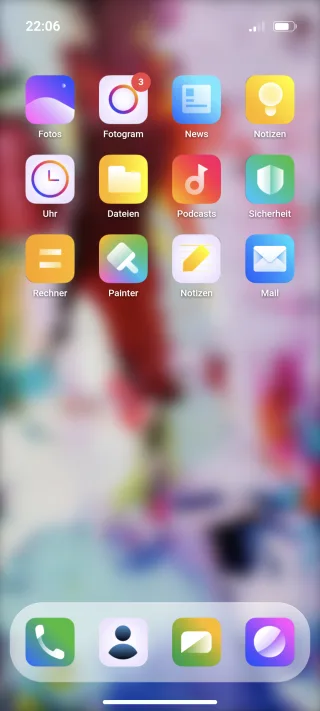
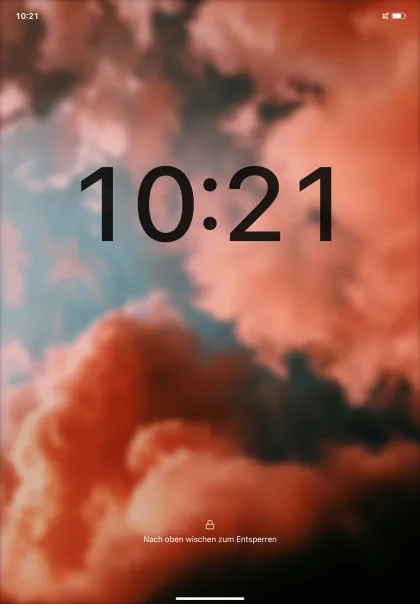
All screens are designed neutrally — close enough to the familiar without violating brand rights or pulling the audience out of the story.
- Homescreen
- Notifications
- Calls
- Messenger chats
- Photo gallery
- Email inbox
- Social feed
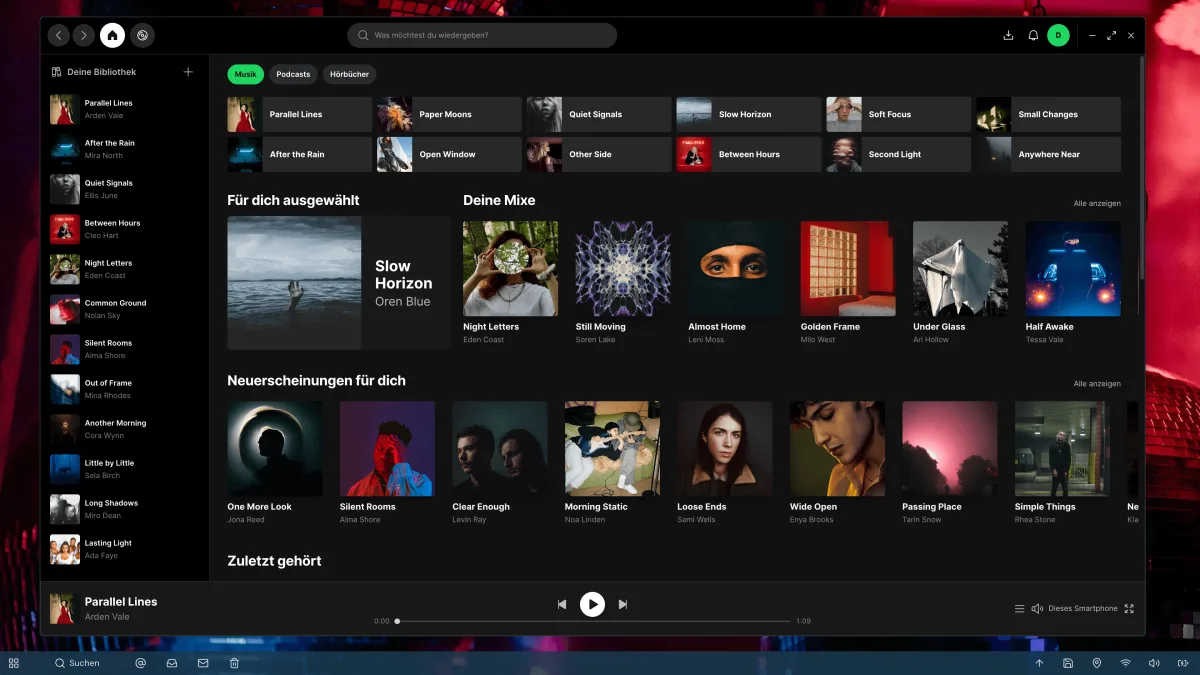
- Music app
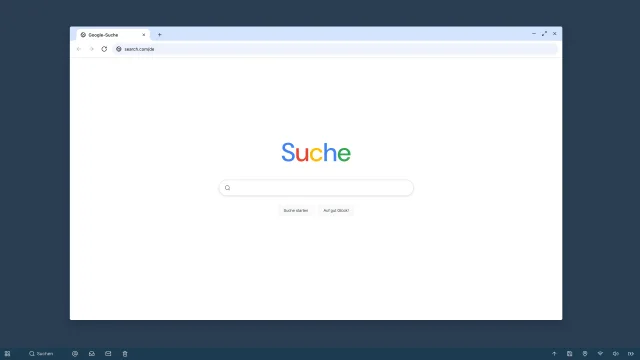
- Web search
- Desktop browser
- File explorer
- Complete custom websites
- and everything else you can think of ...
Spontaneous changes? No problem!
Approved fields can be changed directly on the device: texts, numbers, switches, colors, images and sounds. Save — the change applies immediately on all logged-in devices. Without a connection, it is stored locally and transferred automatically later.
Phones and more
Desktop scenes are complete computer interfaces: background, windows, browser, files. Drag windows to the right spot once and save — on the next start they are exactly where they should be. For monitors without internet, the scene can be downloaded in advance as a package.
How a collaboration works
- You send me the relevant script scenes and a list of what should be visible on the devices.
- I build the project and coordinate content, names and timings with you.
- You receive a PIN, QR code and link. The production provides the devices.
- On the shooting day I am reachable.
For productions
Tell me what your vision is. Nearly everything imaginable is possible.
Request a project